01
Collection & delivery
Compare both locations with the vehicle's current destination and next planned movement.
Reduce empty miles
Find HGV return loads and backloads that fit your route, vehicle and delivery windows.
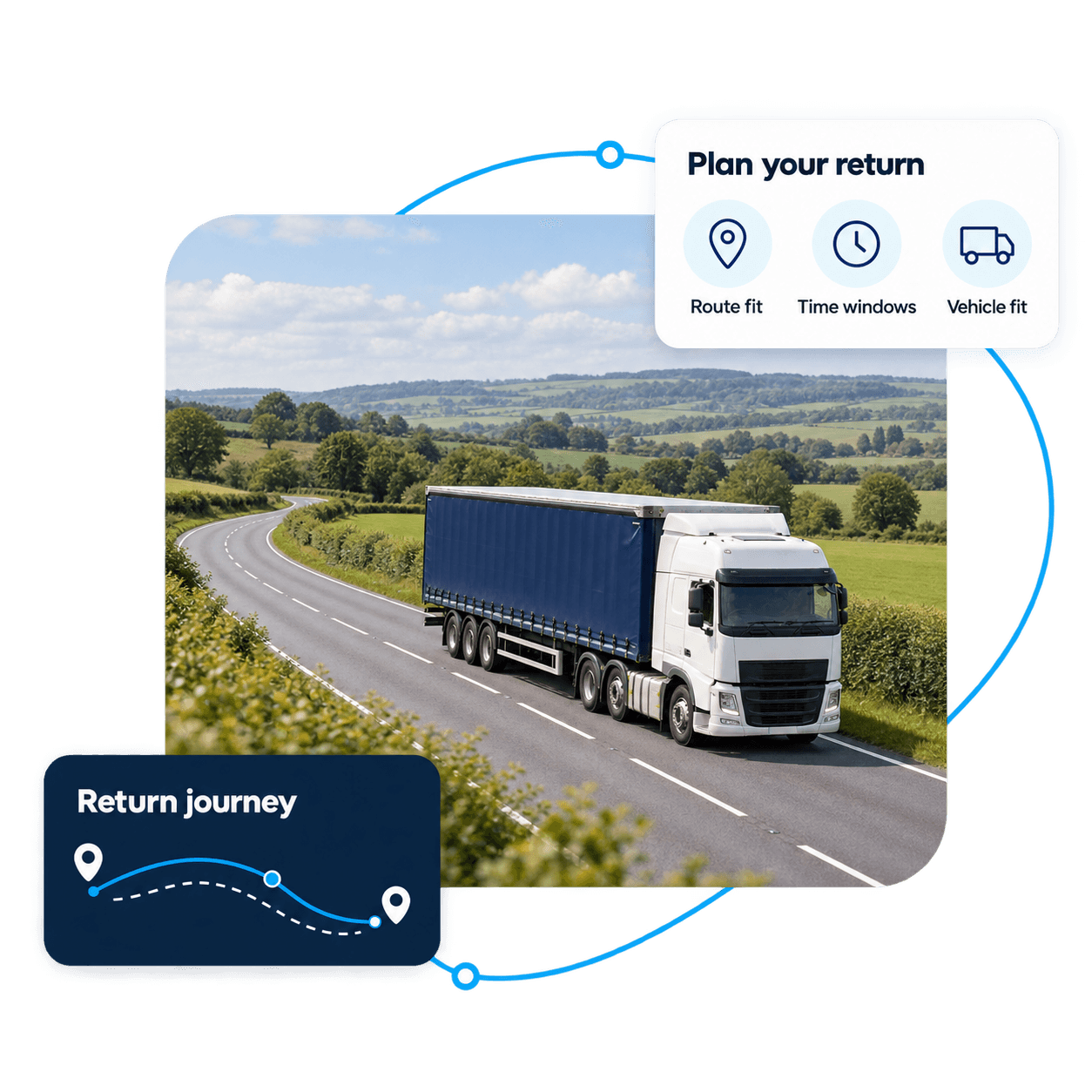
A return load, also called a backload, is freight carried on a vehicle’s journey back from an earlier delivery. It is useful only if the collection, delivery, equipment and timing fit the return plan; a paid detour can still cost more than returning empty.
Look for haulage return loads that fit your planned journey. Compare collection points, delivery windows and extra mileage before applying. Available freight depends on active postings; a backload is not guaranteed for every route.
Before you apply
A useful return load fits both your vehicle and planned journey. Check the locations, time windows, equipment and extra mileage before applying.
Start from the vehicle’s planned destination.
Check extra mileage, collection and waiting time.
Allow for delivery and the next planned movement.
Compare both locations with the vehicle's current destination and next planned movement.
Allow for collection, delivery and waiting time within the operating plan.
Confirm that the HGV, trailer and freight requirements are compatible before applying.
Consider the additional distance and operating time needed to collect and complete the load.
Suppose your vehicle finishes a delivery near Bristol at 11:00 and is due near Birmingham at 16:00. A fictional posting offers collection at 12:00 and delivery by 15:00. Check the actual pickup and delivery locations, loading time, trailer fit, breaks and remaining hours before deciding whether both windows and your next commitment are achievable.
A late collection or a delivery away from your return direction could make this unsuitable. These timings are assumptions, not a route estimate or a compliance assessment. Compare the extra costs with the empty-return alternative in the guide below.
For a more detailed method, see our guide to assessing empty running and return-load costs.
After verification and activation of eligible carrier access, open Find Loads. Enter Pickup and Delivery cities or postcodes, choose a Trailer type and Pickup date where relevant, then Search. Open a result to review the actual freight and timings before applying; the company decides which application to accept.
If no suitable result appears, review the pickup area, date and equipment filters without relaxing your actual operating constraints. You can save a route search for later; an alert or saved search does not reserve freight or guarantee a match.
For the wider freight search and account setup, see HGV Loads UK and the 12-month free HGV offer.
Look for freight opportunities based on where your vehicle can realistically collect and deliver.
Houlvek is built around professional HGV transport, including Class 1 and Class 2 operations.
When an opportunity becomes work, the operational workflow can continue through messages, job status and POD.
Companies can publish HGV freight requirements so suitable carriers can discover and apply for the work.
Post an HGV load →12 calendar months free after email and document approval and account activation. All tools for your role are included. No payment card or automatic charge.
Review the free HGV offer and eligibilityRegister to Find Return Loads